 BambooForge Labs

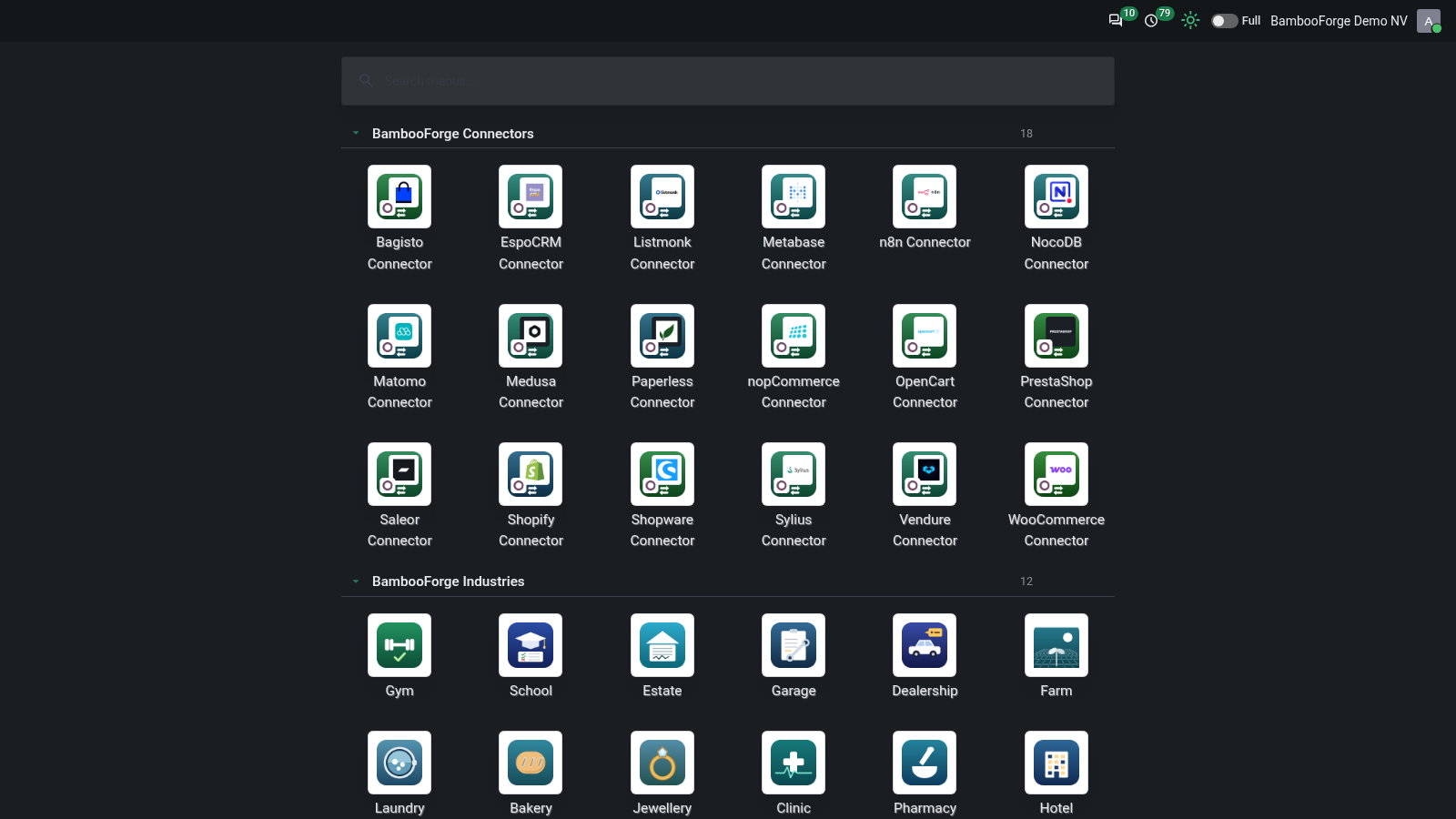
- Your Home MenuA full-screen grid of apps: drag them, file them in named sections, pin the ones you use most.
- Dark mode per userLight, Dark or Auto, with a button in the top bar and the choice kept on the account.
- Your colourSix presets or any colour, on buttons, active menus, tabs and toggles.
Runs onOdoo 16 to 20Community or Enterprise, self-hosted or Odoo.sh
NeedsOdoo onlyno Enterprise module
Price89 EURone-time, per series, on the Odoo Apps Store
Demodemo20.bambooforge.devlogin page already filled in
Supportsupport@bambooforge.devfirst reply within one business day
Version20.0.1.3.4
bambooforge_backend_theme27 automated checks run before every release of this app, the same suite on every series it ships for. The complete list is in the source you receive; run it yourself with --test-enable.
How you use it
Three things you do with it
Flow 01
Find an app or a menu
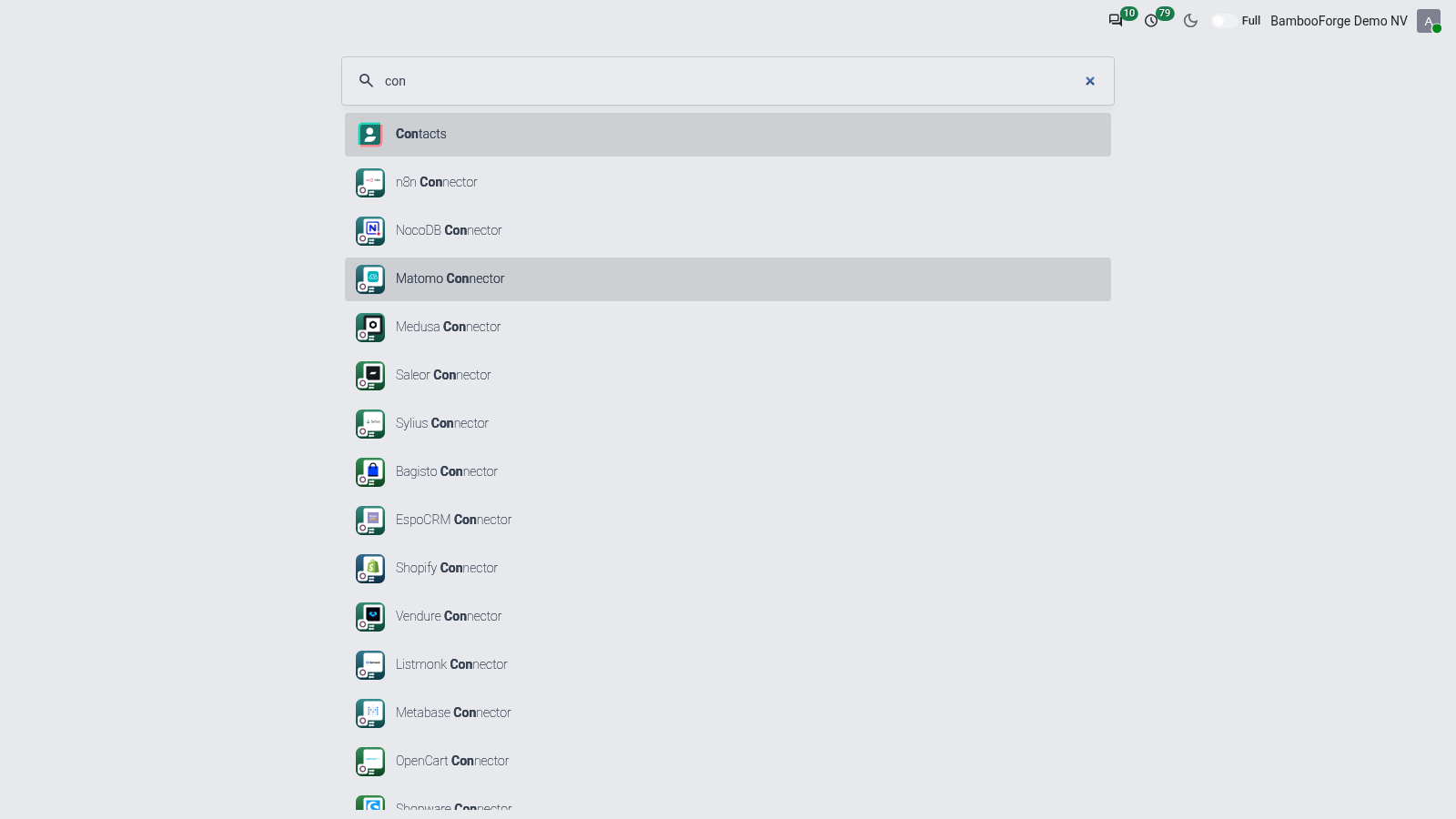
From the grid button or Alt+H.
- Open the Home Menu.
- Type part of a name: apps and their menus come up, a typo included.
- Press the arrow keys and Enter, or click.
Flow 02
Arrange your apps
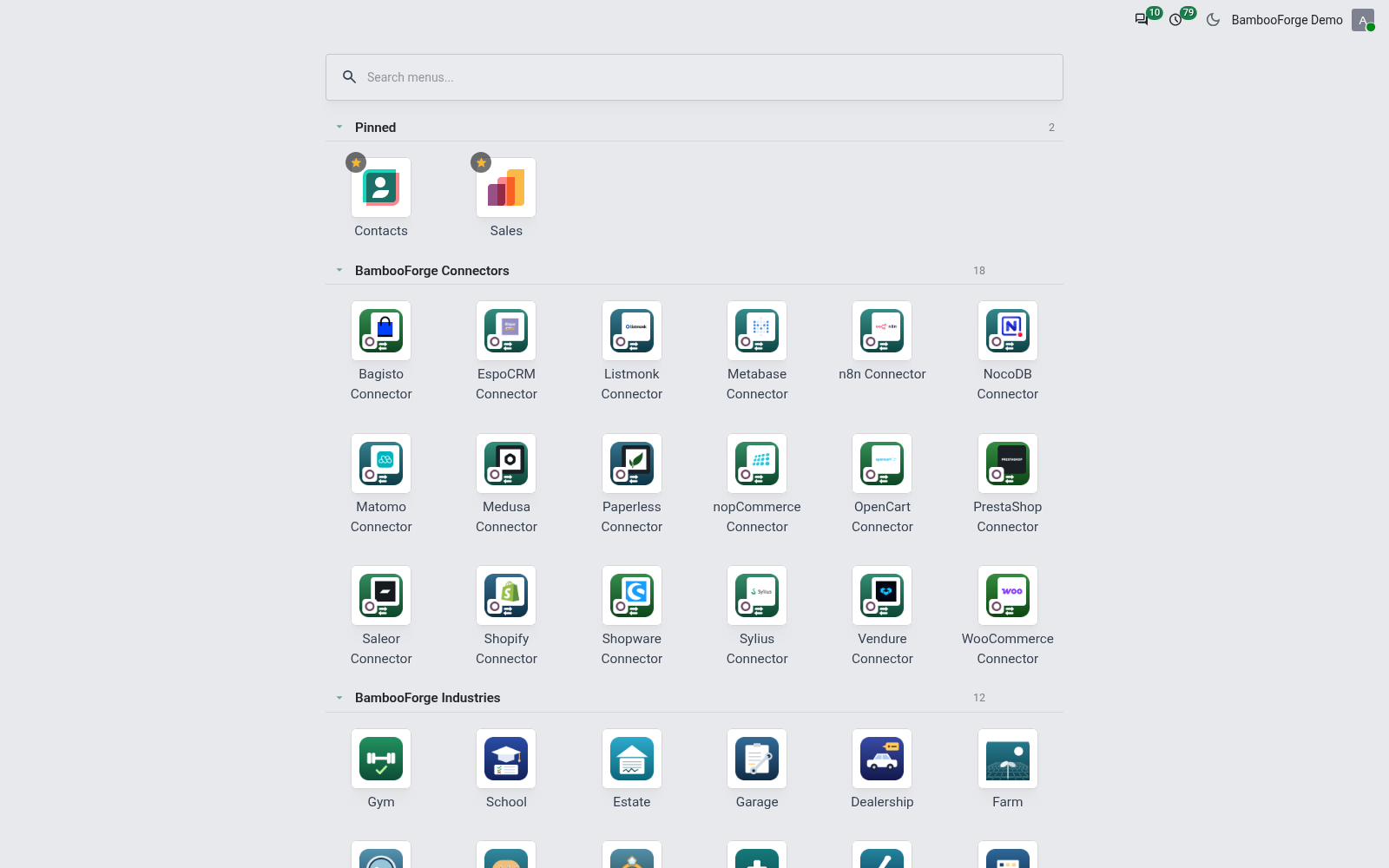
Kept on your account.
- Drag an app to a new place.
- Click its star to pin it on the shelf at the top.
- Press New section, name it, and drag apps into it.
Flow 03
Choose your look
Per user, without an administrator.
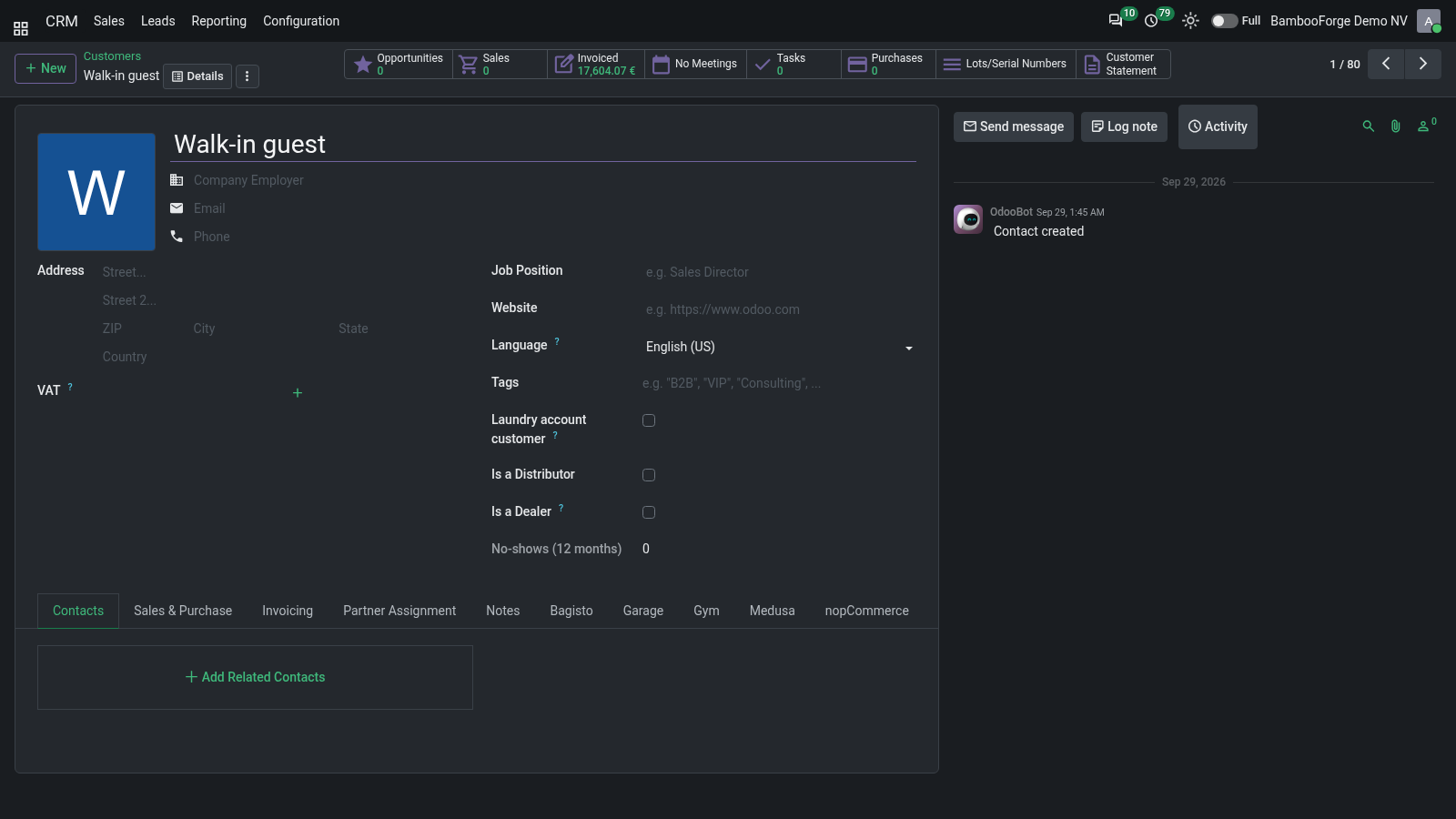
- Press the sun and moon button in the top bar for dark or light.
- Open your preferences and choose Backend Appearance: Light, Dark or Auto.
- Choose an Accent Preset, or any colour with Accent Color.
- Save.
Price and where to buy
89 EUR, one payment per Odoo series, on the Odoo Apps Store. Pick your series:
Twelve months of support by the people who wrote the code; bug fixes and improvements within the series free for as long as it is published. Report a bug within two months of purchase and, if it is not resolved within fifteen days, you get a full refund. Full source under OPL-1, no licence key, no phone-home. The whole promise.