 BambooForge Labs

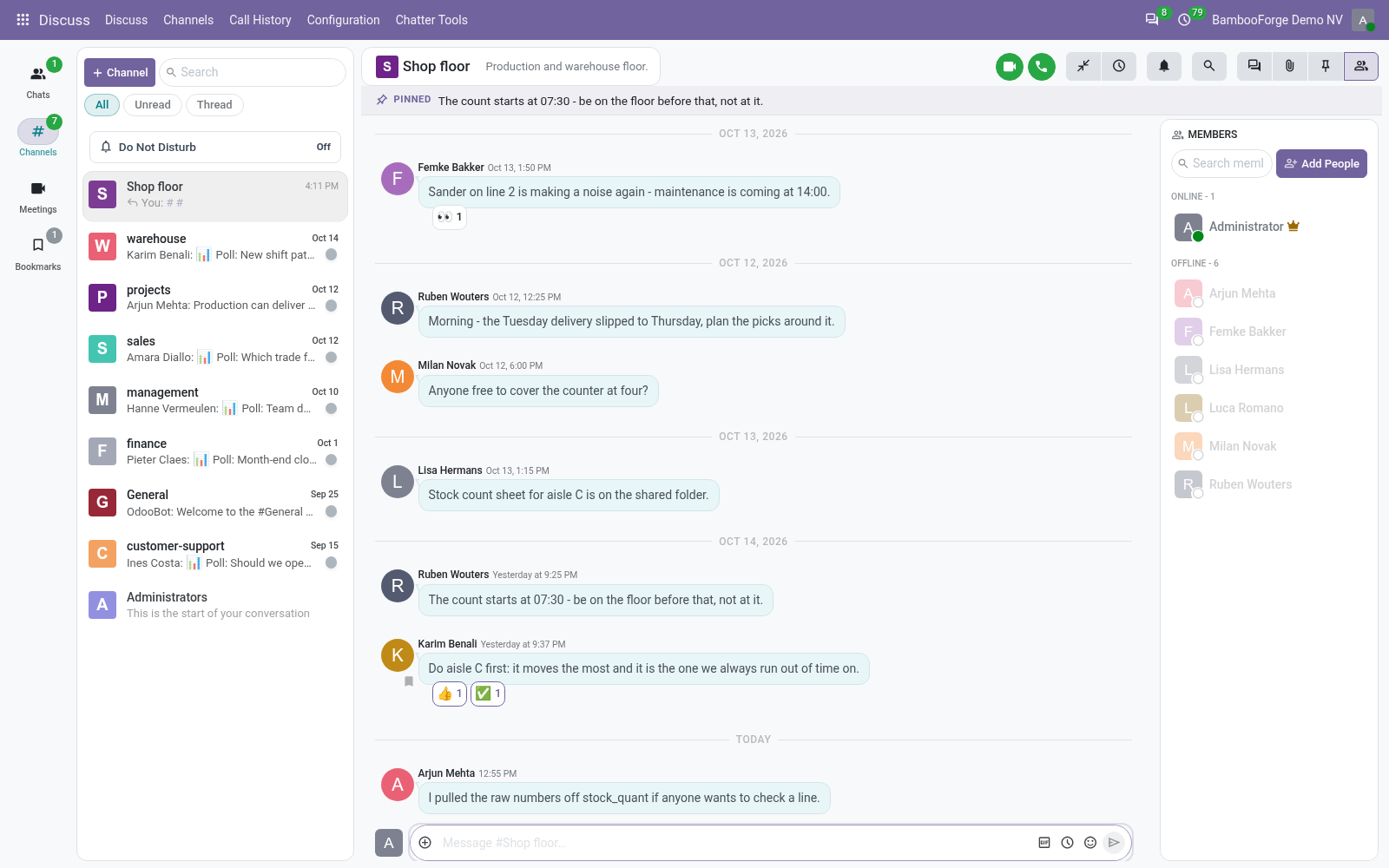
- Fewer clicksSix reactions on a message's hover bar, a toolbar for formatting, Forward in a message's menu.
- Messages at the right timeSchedule a message for later and see what is waiting in the channel's panel.
- Quiet when you need itCompact or Comfortable per user, and Do Not Disturb for sounds and desktop notifications.
Runs onOdoo 17 to 20Community or Enterprise, self-hosted or Odoo.sh
NeedsOdoo onlyno Enterprise module
Price69 EURone-time, per series, on the Odoo Apps Store
Demodemo20.bambooforge.devlogin page already filled in
Supportsupport@bambooforge.devfirst reply within one business day
Version20.0.1.1.7
bambooforge_discuss_pro23 automated checks run before every release of this app, the same suite on every series it ships for. The complete list is in the source you receive; run it yourself with --test-enable.
How you use it
What a user does with it
Flow 01
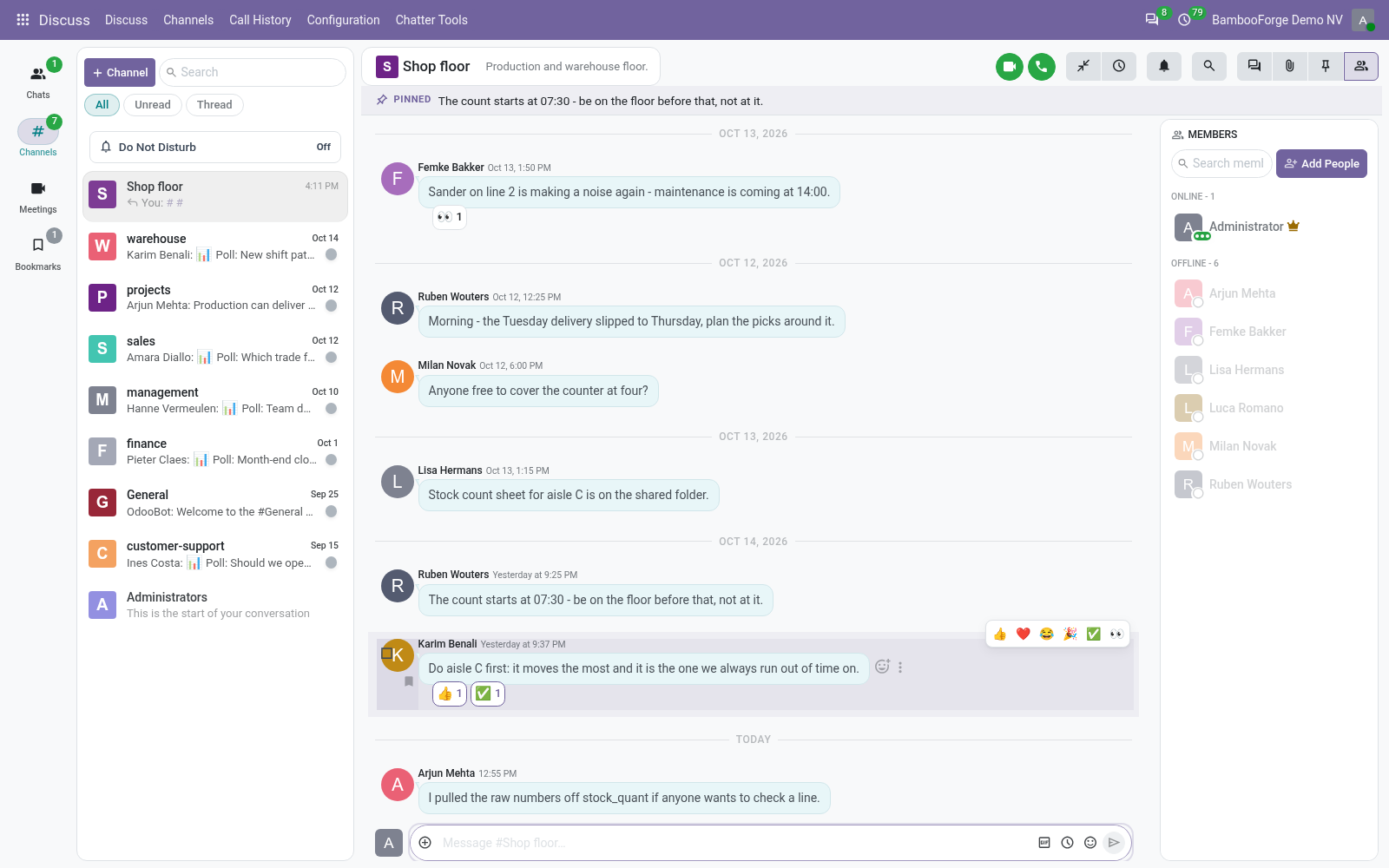
React and format
In any channel or chat.
- Hover a message and click one of the six reactions.
- Select text in the composer and press Bold, Italic, Strikethrough or a code button.
- A code block has a Copy button.
Flow 02
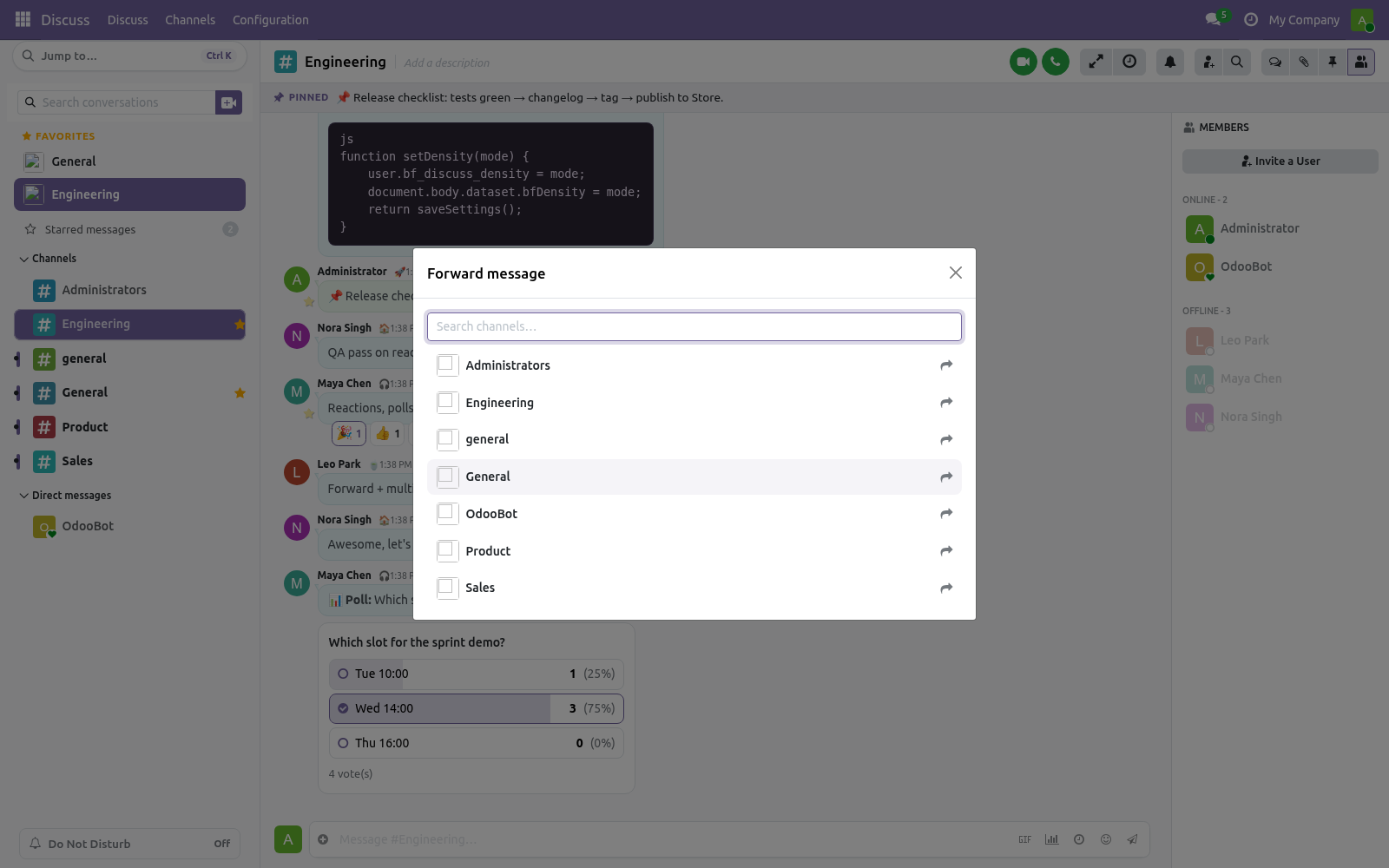
Forward a message
To another channel.
- Open the message's actions and choose Forward.
- Click the channel: it gets the text from you, Forwarded from its author.
Flow 03
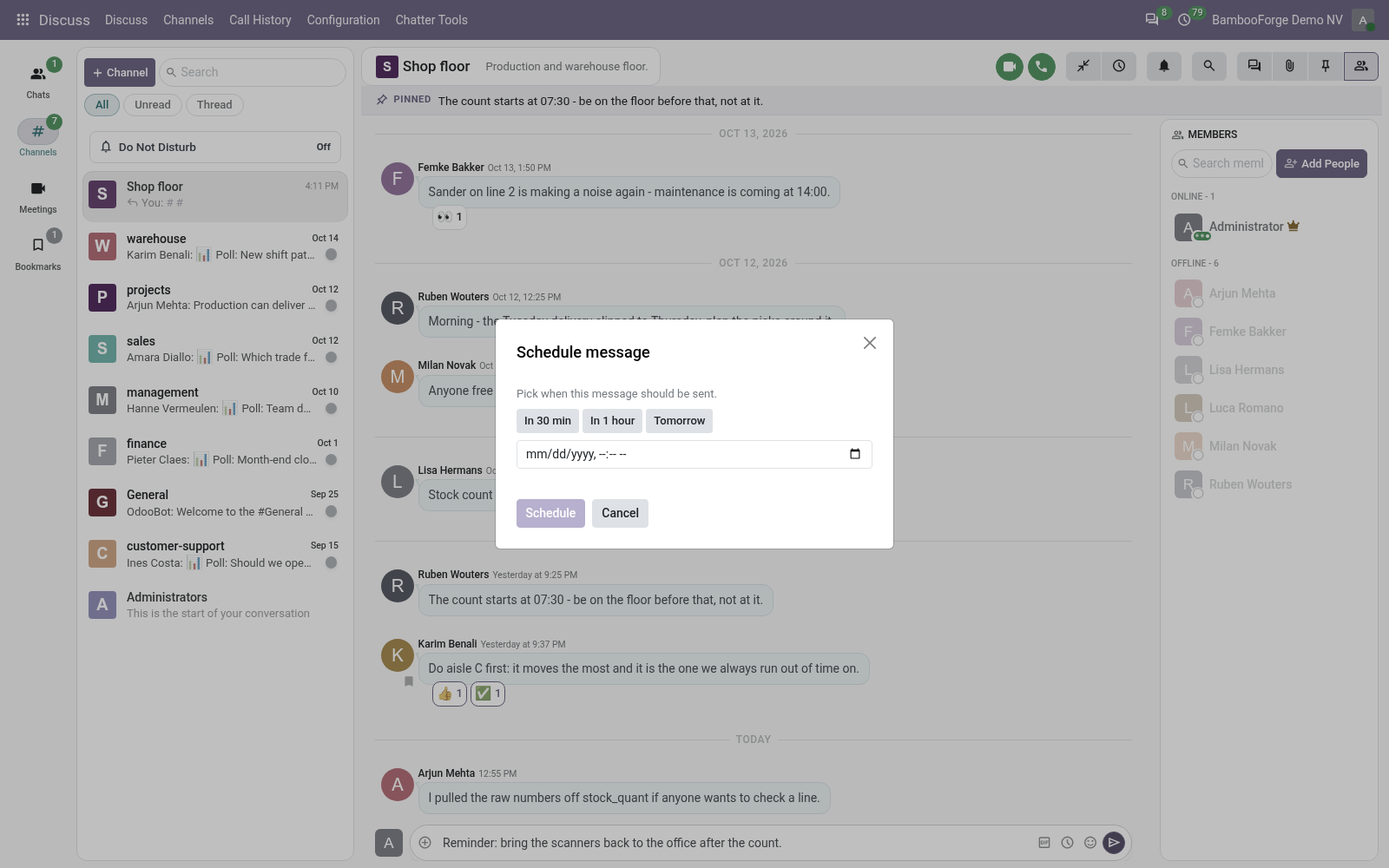
Send later
For the message that should not go now.
- Type the message, then choose the schedule action in the composer.
- Pick a time or a preset and press Schedule.
- The Scheduled messages panel lists what is waiting; Cancel deletes one.
Flow 04
Several messages at once
In Discuss.
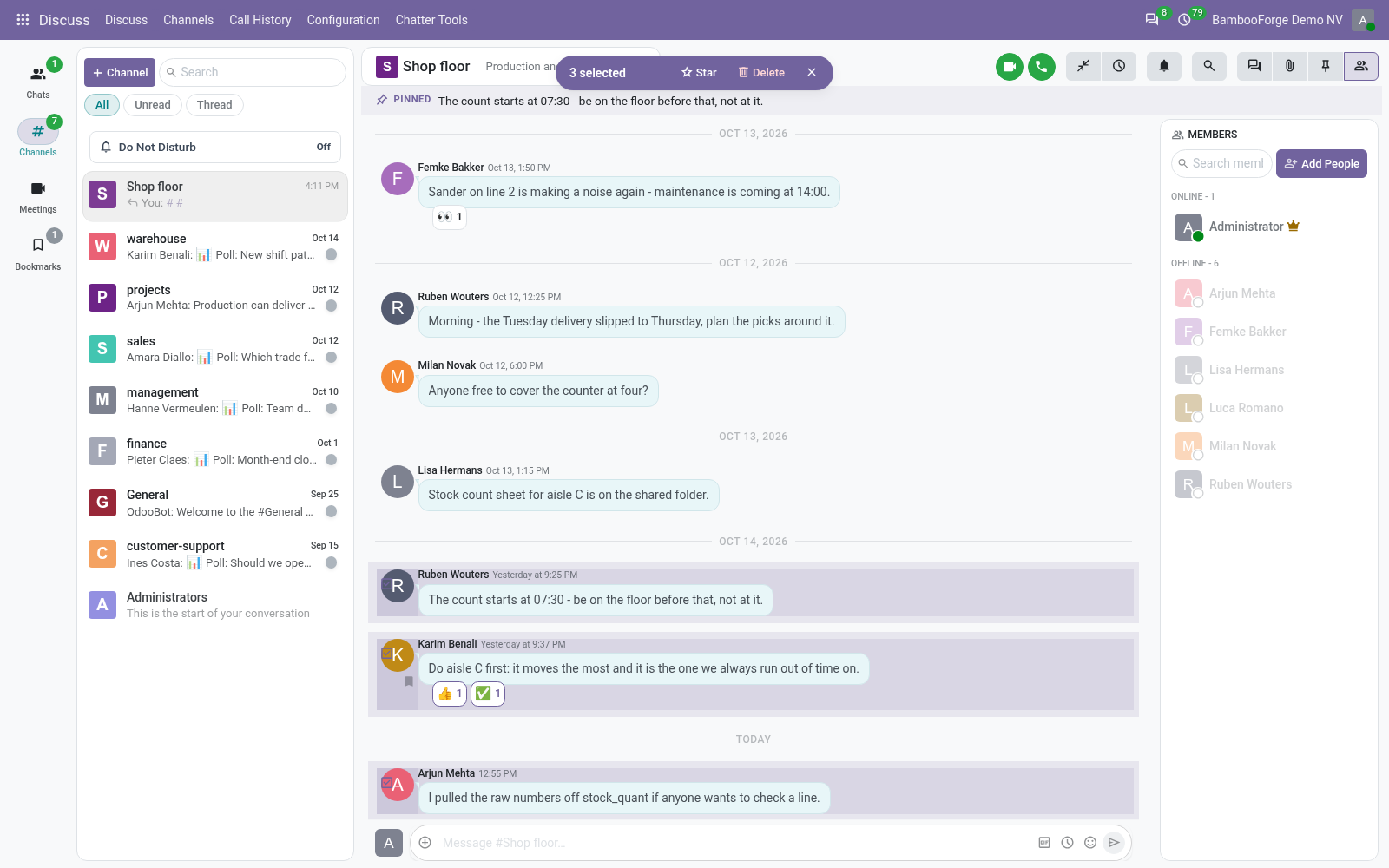
- Tick the box on each message.
- Star them, or Delete the ones you may delete.
Price and where to buy
69 EUR, one payment per Odoo series, on the Odoo Apps Store. Pick your series:
Twelve months of support by the people who wrote the code; bug fixes and improvements within the series free for as long as it is published. Report a bug within two months of purchase and, if it is not resolved within fifteen days, you get a full refund. Full source under OPL-1, no licence key, no phone-home. The whole promise.