 BambooForge Labs

- Dashboards where people workThe Live View shows a Metabase dashboard or question in its Odoo form, signed for ten minutes each time the form opens.
- The secret stays on the serverOdoo signs the token; the browser gets the signed address only.
- Read-only on MetabaseThe app reads with an API key and writes nothing to Metabase.
bambooforge_metabase_connector123 automated checks run before every release of this app, the same suite on every series it ships for. The complete list is in the source you receive; run it yourself with --test-enable.
How you use it
Four flows, in the order you will meet them
Connect: one instance per Metabase server, dry-run first
Test Connection proves the address and the key, and the first import writes nothing.
- In Odoo: Metabase Connector > Configuration > Instances > New. Enter the server's address and an API key.
- Press Test Connection. The state turns Connected.
- On the Import tab press Queue Database Import, Queue Question Import and Queue Dashboard Import.
- Read Operations > Logs, untick Dry Run Mode and import again, databases first.
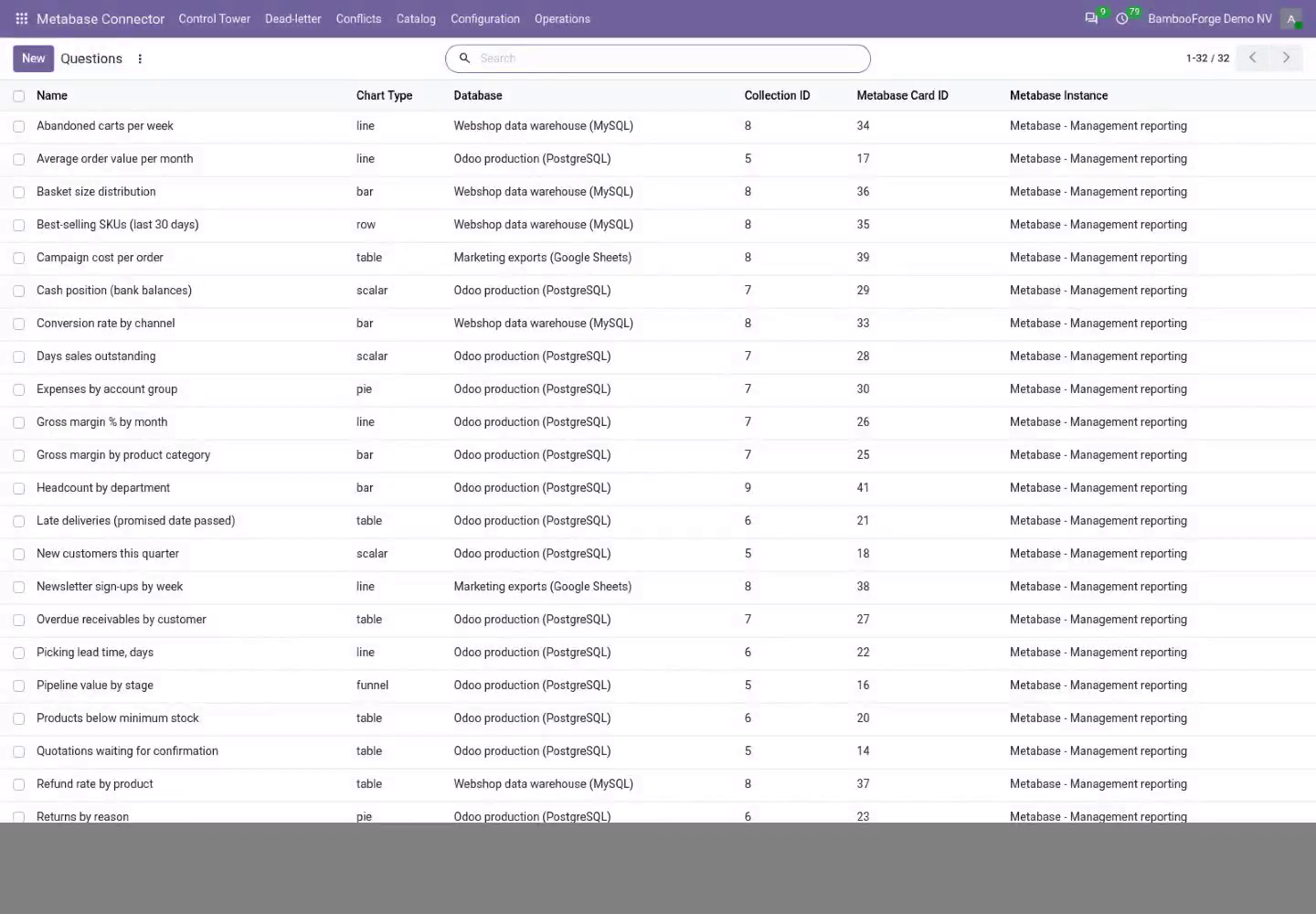
The catalog: databases, questions, dashboards
Odoo's copy of Metabase's names, ids and collections, searchable and grouped.
- Catalog > Databases lists each data source with its engine.
- Catalog > Questions lists each saved question with its chart type, collection and database.
- Catalog > Dashboards lists each dashboard with its collection.
A dashboard, live in Odoo
Signed embedding, switched on per instance by an administrator.
- On the instance's Embedding tab tick Signed Embedding and paste Metabase's embedding secret key.
- In Metabase, switch static embedding on and publish the dashboards to embed.
- Open a dashboard of the catalog: its Live View tab shows it; Refresh Live View signs a new token.
A failed job lands in a list, not in silence
Every job is retried, set aside after its last try, and shown with its error.
- Open the Control Tower: one card per instance with its backlog, dead letters and conflicts.
- Open Dead-letter, fix the cause the error names, select the jobs and use Requeue Jobs.
Price and where to buy
89 EUR, one payment per Odoo series, on the Odoo Apps Store. Pick your series:
Twelve months of support by the people who wrote the code; bug fixes and improvements within the series free for as long as it is published. Report a bug within two months of purchase and, if it is not resolved within fifteen days, you get a full refund. Full source under OPL-1, no licence key, no phone-home. The whole promise.