 BambooForge Labs

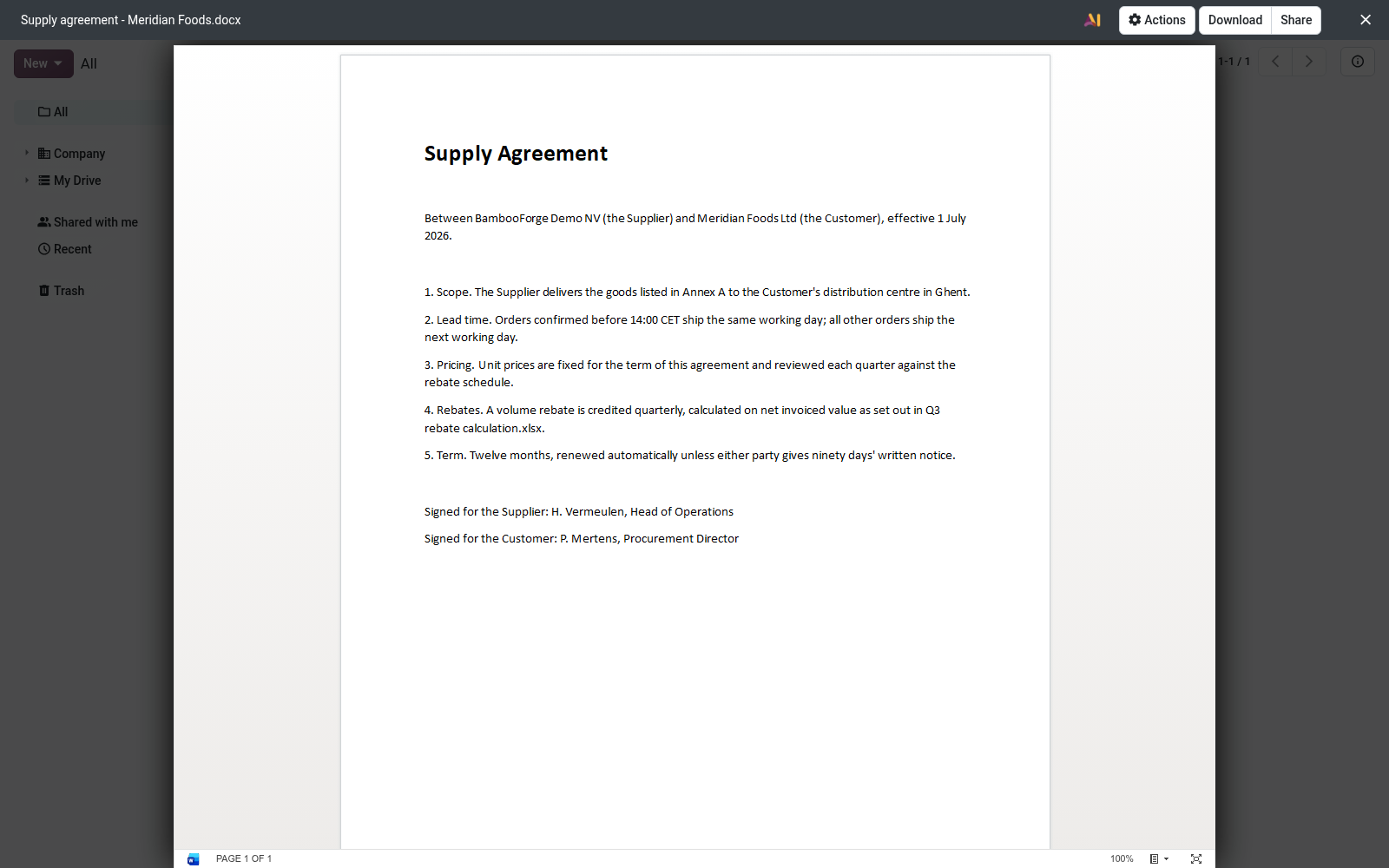
- Office files open where they are filedA click on a contract, a price list or a slide deck in Documents opens its preview, as a click on a PDF or an image already does.
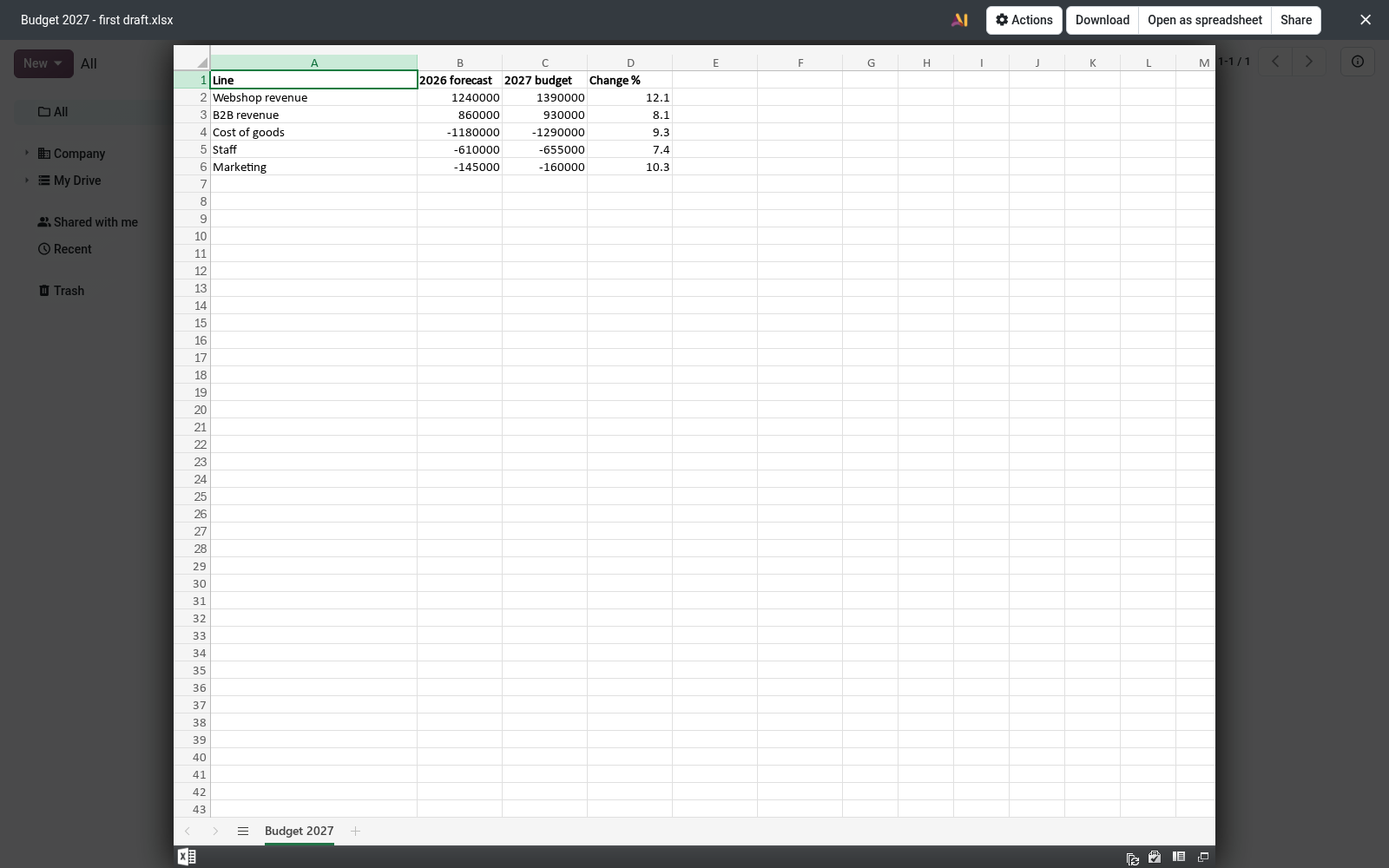
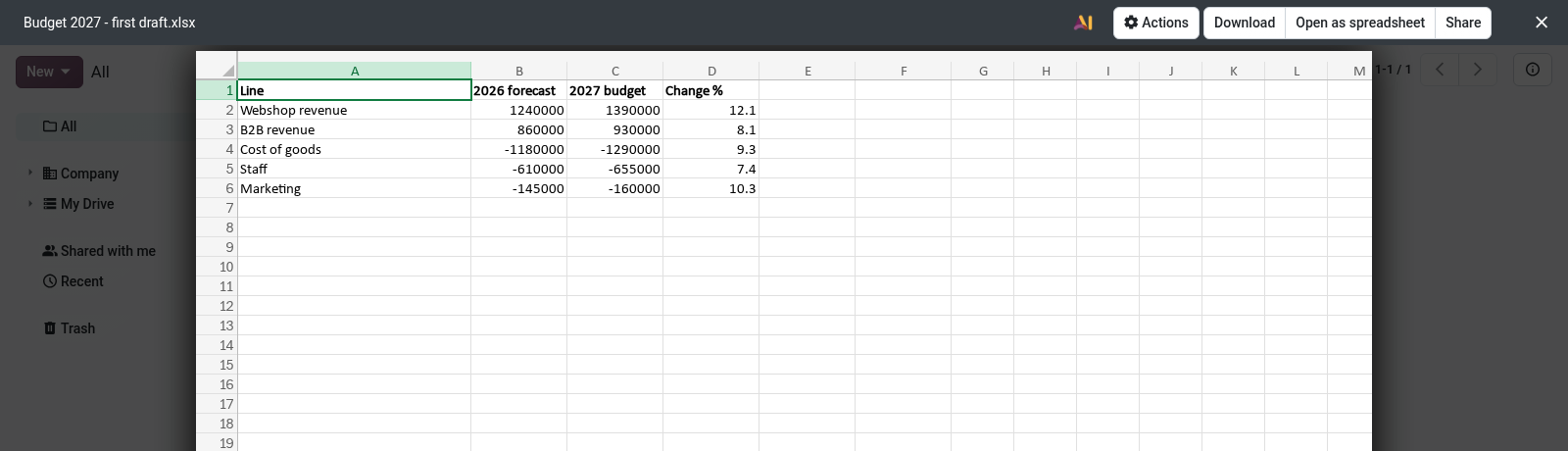
- A workbook previews firstA click on an Excel file shows it. Turning an.xlsx file into an Odoo spreadsheet stays one click away, with Open as spreadsheet.
- The base app's rules, unchangedMicrosoft's Office Online viewer through a link that works for one hour, OpenDocument templates in your browser, and the setting that keeps every file on your server.
Runs onOdoo 16 to 20Community or Enterprise, self-hosted or Odoo.sh
NeedsDocuments, documents_spreadsheet; includes office previewEnterprise required
Price118 EURone-time, per series, on the Odoo Apps Store
Demodemo20.bambooforge.devlogin page already filled in
Supportsupport@bambooforge.devfirst reply within one business day
Version20.0.2.1.2
bambooforge_office_preview_documents12 automated checks run before every release of this app, the same suite on every series it ships for. The complete list is in the source you receive; run it yourself with --test-enable.
How you use it
From a file in a folder to the file on screen
Flow 01
Preview a file
From the kanban or the list view of a folder.
- Open Documents and the folder that holds the file.
- Click the file in the kanban or the list view.
- The preview opens over the folder with the file drawn in it. Its arrows step through the other files of the view it can show.
Flow 02
Turn an Excel file into an Odoo spreadsheet
Spreadsheet's own import, one click away.
- Click the.xlsx file to preview it, or select it alone.
- Pick Open as spreadsheet among the actions at the top of the preview or of the selection.
- Spreadsheet's own import opens. It takes.xlsx files only, so.xls and.xlsm files preview and are not offered the import.
Price and where to buy
118 EUR, one payment per Odoo series, on the Odoo Apps Store. Pick your series:
Twelve months of support by the people who wrote the code; bug fixes and improvements within the series free for as long as it is published. Report a bug within two months of purchase and, if it is not resolved within fifteen days, you get a full refund. Full source under OPL-1, no licence key, no phone-home. The whole promise.