 BambooForge Labs

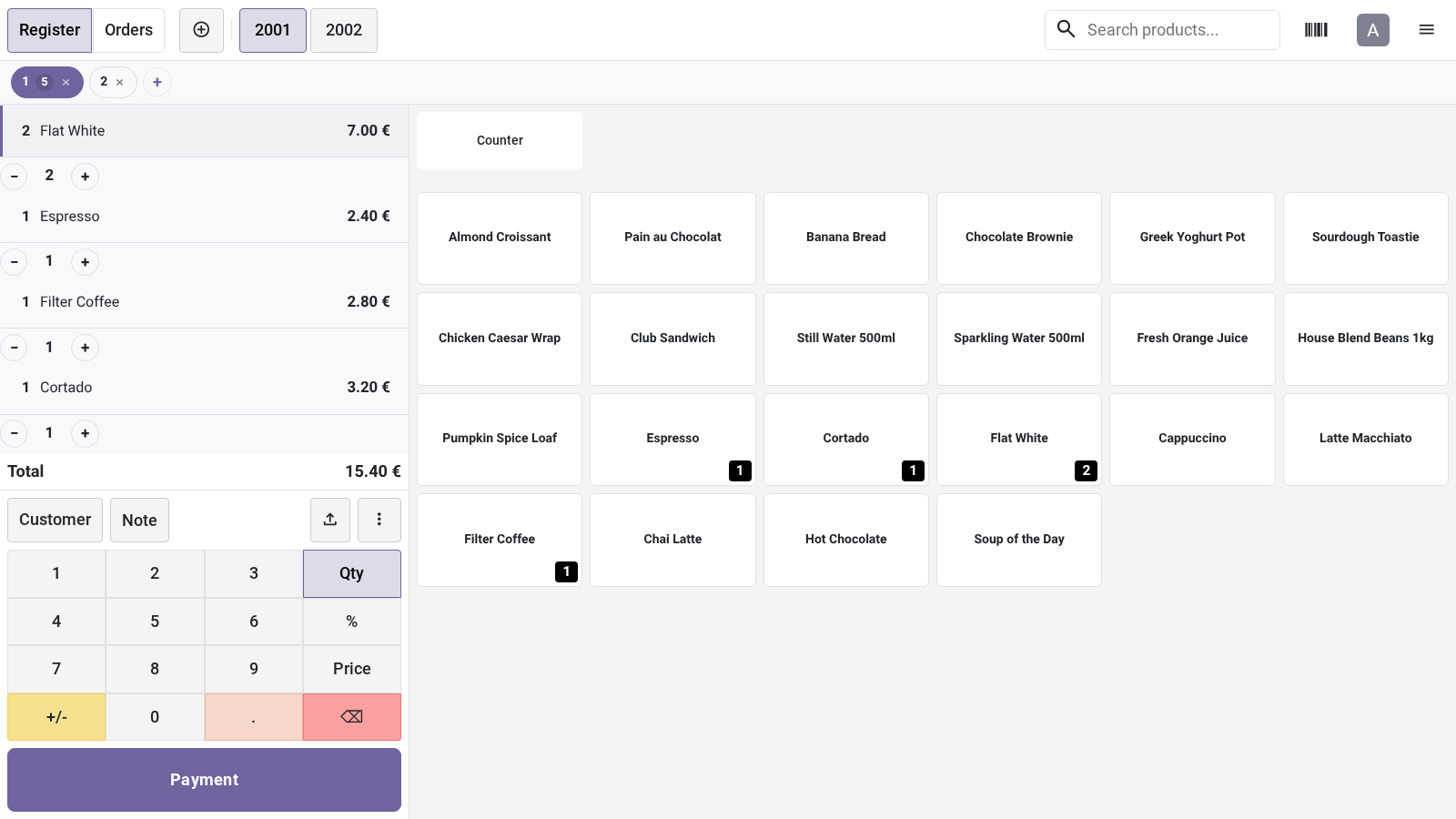
- - and + on every lineOne tap adds a unit or takes one off. At a quantity of one, the - asks before it removes the line.
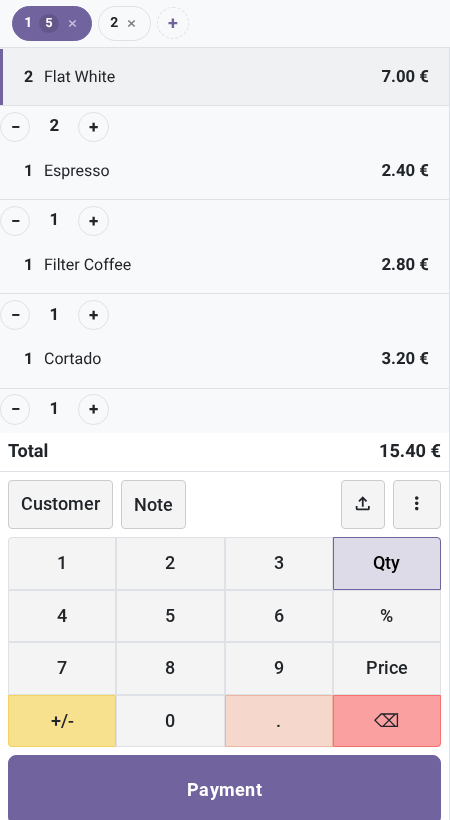
- Several customers at onceA bar of tabs keeps the open orders side by side, each with its number of items. Tap to switch, + for a new order.
- Cash in one tapOn the payment screen: the exact amount, up to four round amounts above it, and the change in large type.
bambooforge_pos_ui12 automated checks run before every release of this app, the same suite on every series it ships for. The complete list is in the source you receive; run it yourself with --test-enable.
How you use it
At the counter
A sale with the layout
The layout is on for every register from the install.
- Tap a product card: its line appears with a -, its quantity and a + under it.
- + adds one unit, - takes one off. They act on their own line, selected or not.
- At a quantity of one, - asks Remove line? before it removes the line.
- Press Payment, in the accent colour.
Several customers at once
The bar of tabs stands under the top bar of the product screen.
- + starts a new, empty order and shows it.
- Tap a tab to bring its order back. Each tab shows its position and its number of items.
- x closes an order through Odoo's own deletion. If it still has lines, Odoo asks first.
Cash in one tap
On the payment screen of a register that has a cash payment method.
- Exact puts the amount due on a cash payment line.
- The amounts beside it are the nearest round ones above the amount due: for 37 they are 38, 40, 50 and 100.
- The Change line shows what to hand back as soon as the payments pass the total.
Price and where to buy
69 EUR, one payment per Odoo series, on the Odoo Apps Store. Pick your series:
Twelve months of support by the people who wrote the code; bug fixes and improvements within the series free for as long as it is published. Report a bug within two months of purchase and, if it is not resolved within fifteen days, you get a full refund. Full source under OPL-1, no licence key, no phone-home. The whole promise.