 BambooForge Labs

- Installs by itselfOdoo installs it as soon as BambooForge POS UI and Restaurant are both installed, and removes it with either.
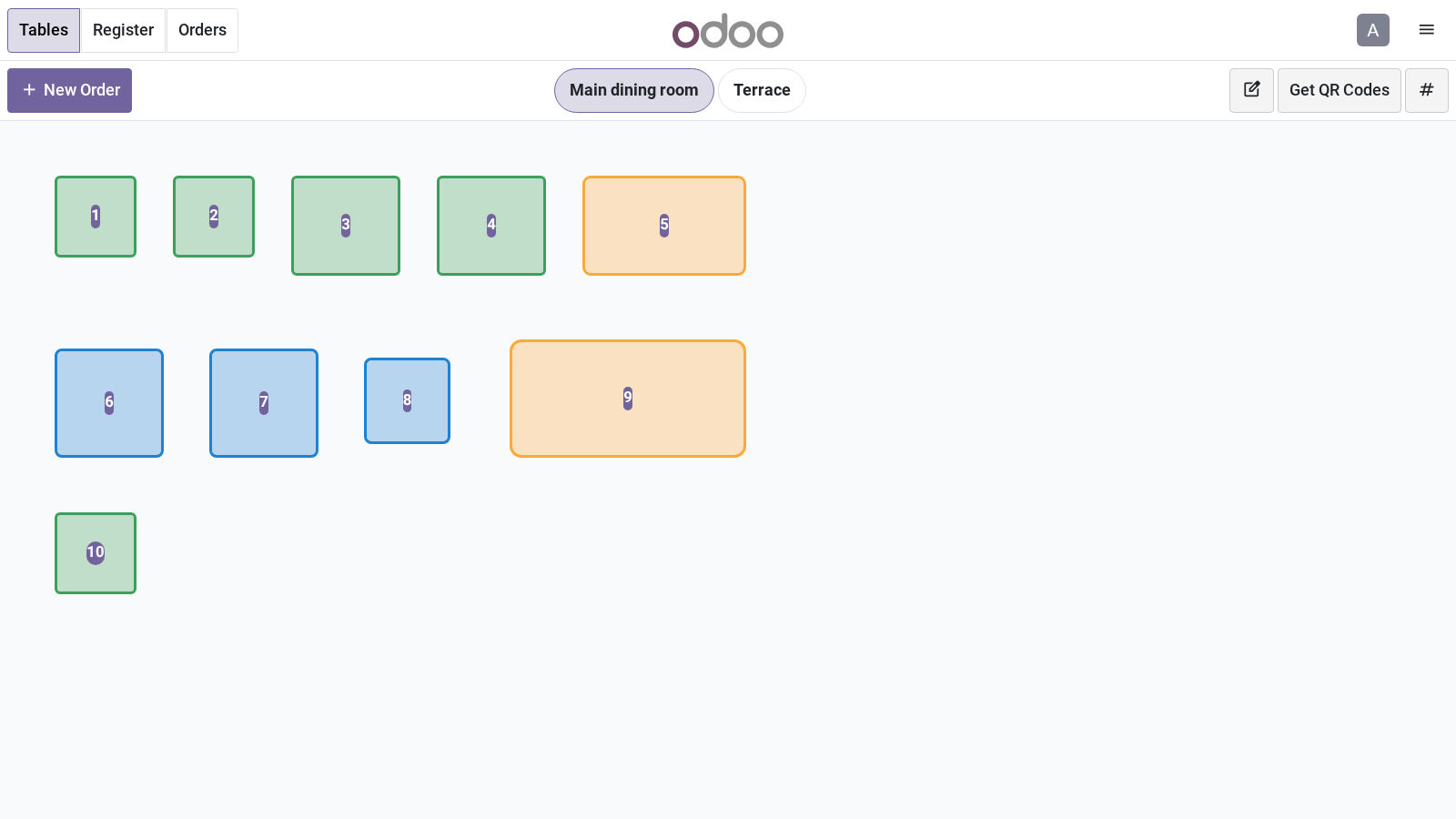
- Floor buttons and table numbersThe buttons that choose a floor get rounded ends, and each table number stands on a patch in the accent colour.
- Follows the layout switchIts rules apply only on a register whose BambooForge Layout is ticked.
Runs onOdoo 17 to 20Community or Enterprise, self-hosted or Odoo.sh
NeedsRestaurant; includes pos uino Enterprise module
Price118 EURone-time, per series, on the Odoo Apps Store
Demodemo20.bambooforge.devlogin page already filled in
Supportsupport@bambooforge.devfirst reply within one business day
Version20.0.1.1.2
bambooforge_pos_ui_bridge9 automated checks run before every release of this app, the same suite on every series it ships for. The complete list is in the source you receive; run it yourself with --test-enable.
How you use it
Nothing to set up
Flow 01
From the floor plan to the order
The module has no screen and no setting of its own.
- Install BambooForge POS UI and Odoo's Restaurant. Odoo adds this module.
- Open a register that has a floor plan: the floor buttons and the table numbers have the look of the layout.
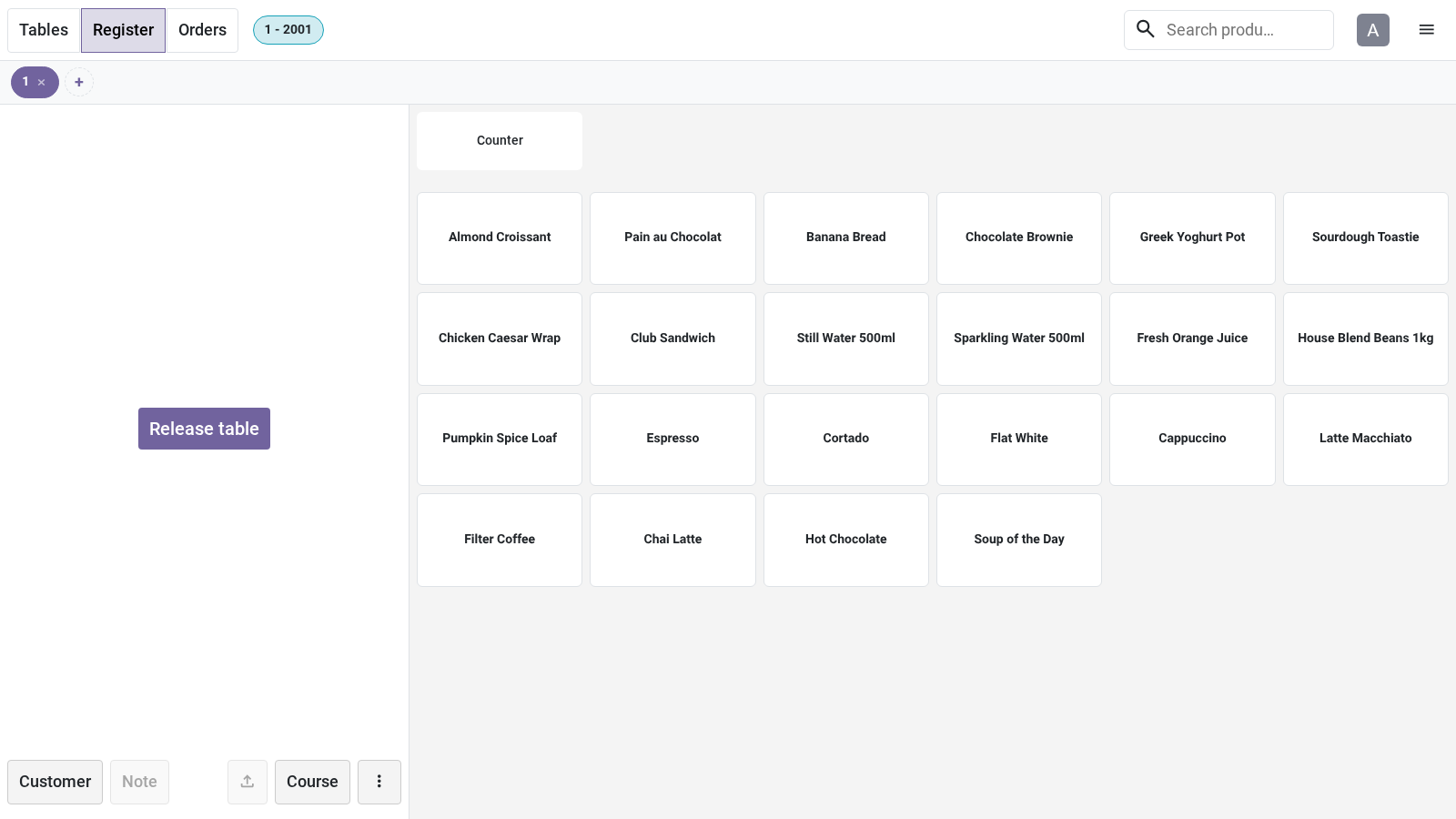
- Tap a table: its order opens on the product screen, with the layout of BambooForge POS UI.
Price and where to buy
118 EUR, one payment per Odoo series, on the Odoo Apps Store. Pick your series:
Twelve months of support by the people who wrote the code; bug fixes and improvements within the series free for as long as it is published. Report a bug within two months of purchase and, if it is not resolved within fifteen days, you get a full refund. Full source under OPL-1, no licence key, no phone-home. The whole promise.