 BambooForge Labs
E-Invoice Pre-Flight Checks
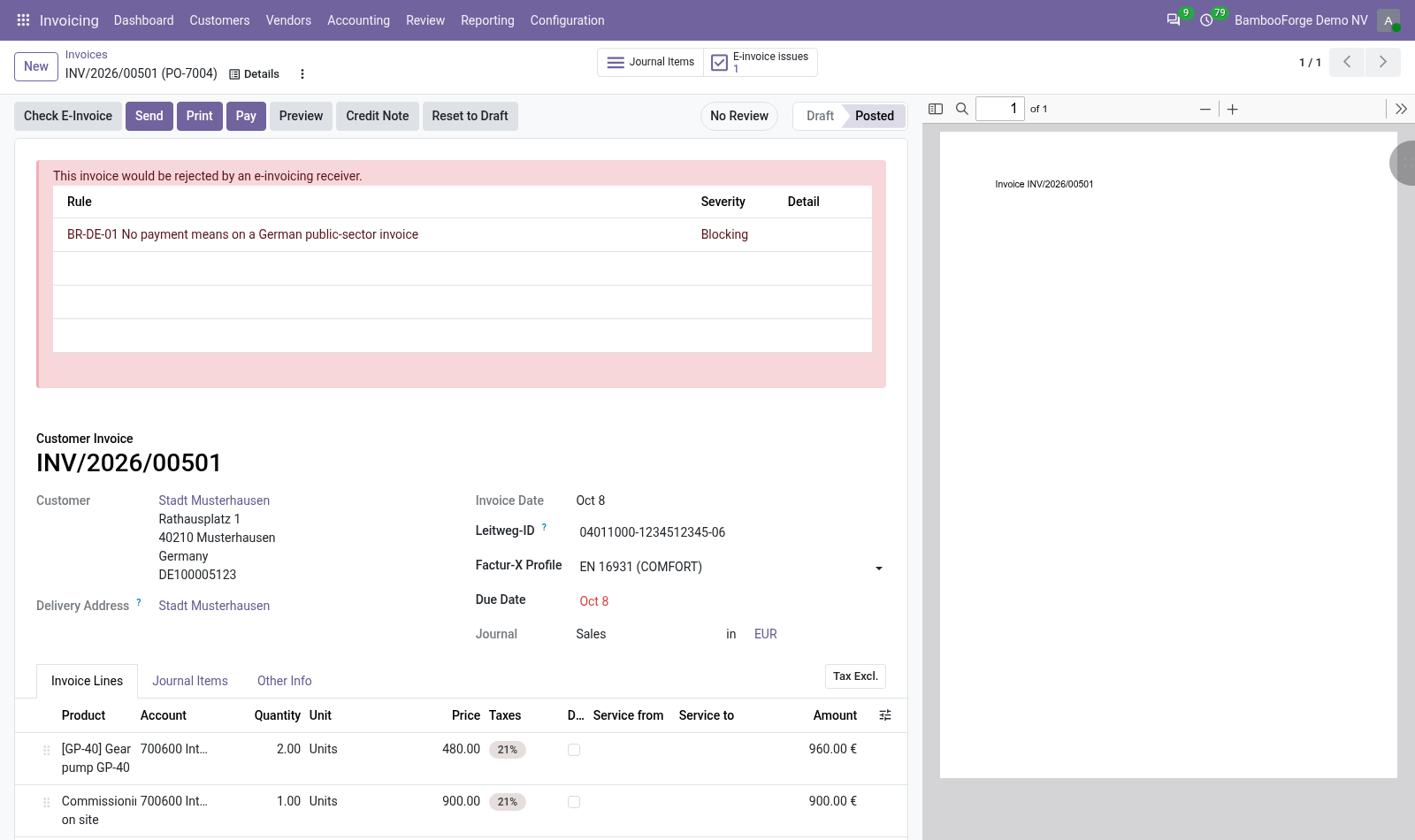
Eleven checks on each customer invoice before it is sent as UBL, Factur-X or XRechnung: every failed check names what to fill in, and every invoice that would be rejected is in one list.
Eleven checks a customer invoice or credit note meets before it is sent as an e-invoice, on Odoo 20, Community or Enterprise. Nine are named after rules of the European standard EN 16931, two are BambooForge's own. Each failed check is a finding on the invoice that names what to fill in, and the blocking findings of every invoice are in one list.
- Symptom or message
- Cause and what to do
- would be rejected:;...
- A program of yours called bf_einvoice_assert_ready() and the invoice has a blocking finding. Fix what the findings name and send again.
- That check code already exists.
- A check with that code is in E-Invoice Checks, perhaps switched off: the filter Switched off shows it.
E-Invoicing All in One for Factur-X and ZUGFeRD
Keep the Factur-X profile agreed with each customer and check every invoice against it before it is sent.
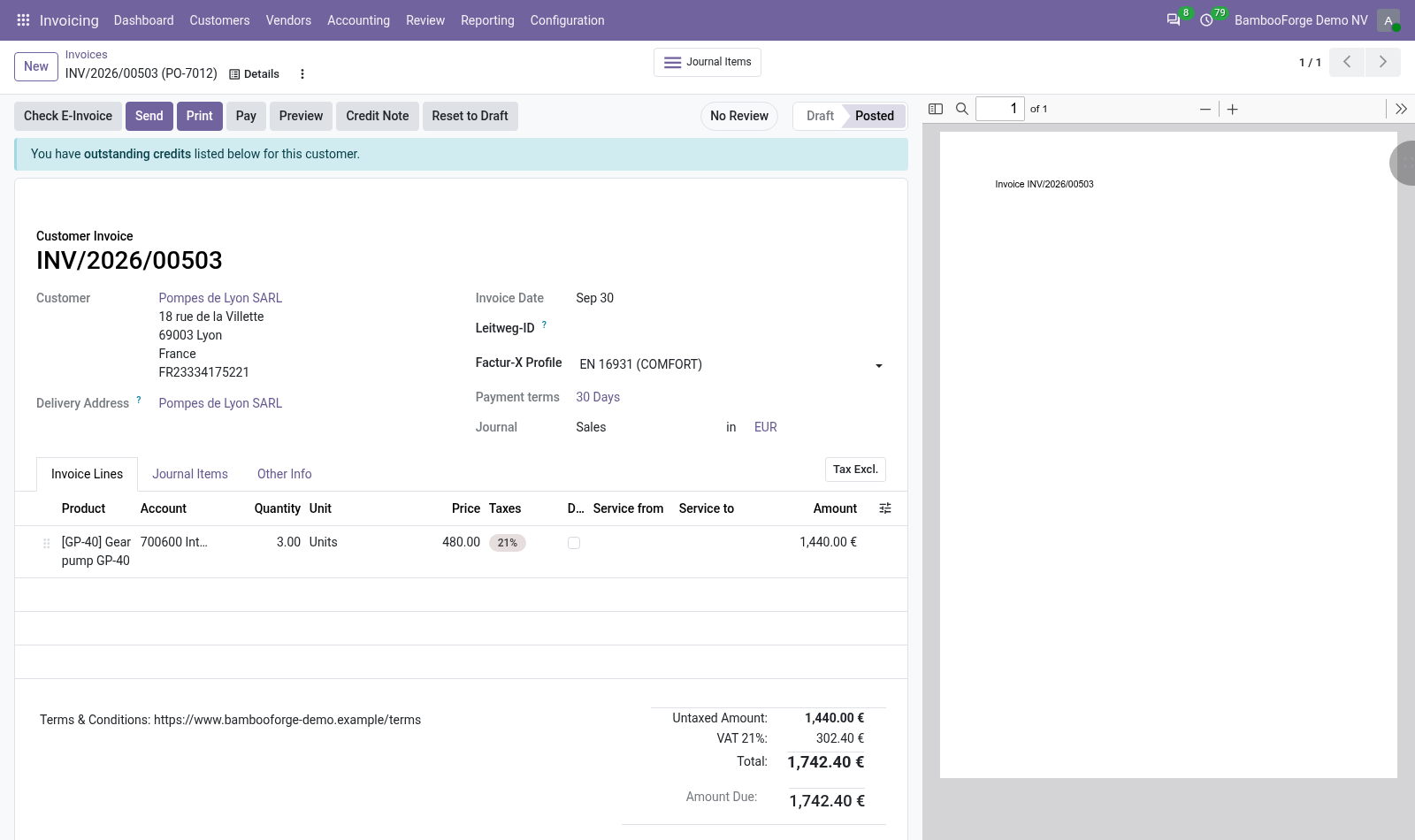
An add-on to BambooForge's E-Invoice Pre-Flight Checks, on Odoo 20, Community or Enterprise. It records the Factur-X profile agreed with each customer, with a default per company and a value per invoice, and adds four checks that hold an invoice to the profile recorded. The Factur-X file itself is Odoo's: it declares the profile EXTENDED, whatever is recorded here.
- Symptom or message
- Cause and what to do
- BF-FX-PROFILE on the invoices of a customer
- No profile is agreed with the company behind the customer. Choose one on its Sales & Purchase tab, or switch the check off in E-Invoice Checks if you do not agree profiles.
- BF-FX-LINES: has no quantity, unit price, tax.
- A line of the invoice lacks what the finding names. A free line, with a price of zero, is blocking too: change the invoice's profile, or switch the check to Warning.
E-Invoicing All in One for XRechnung B2G
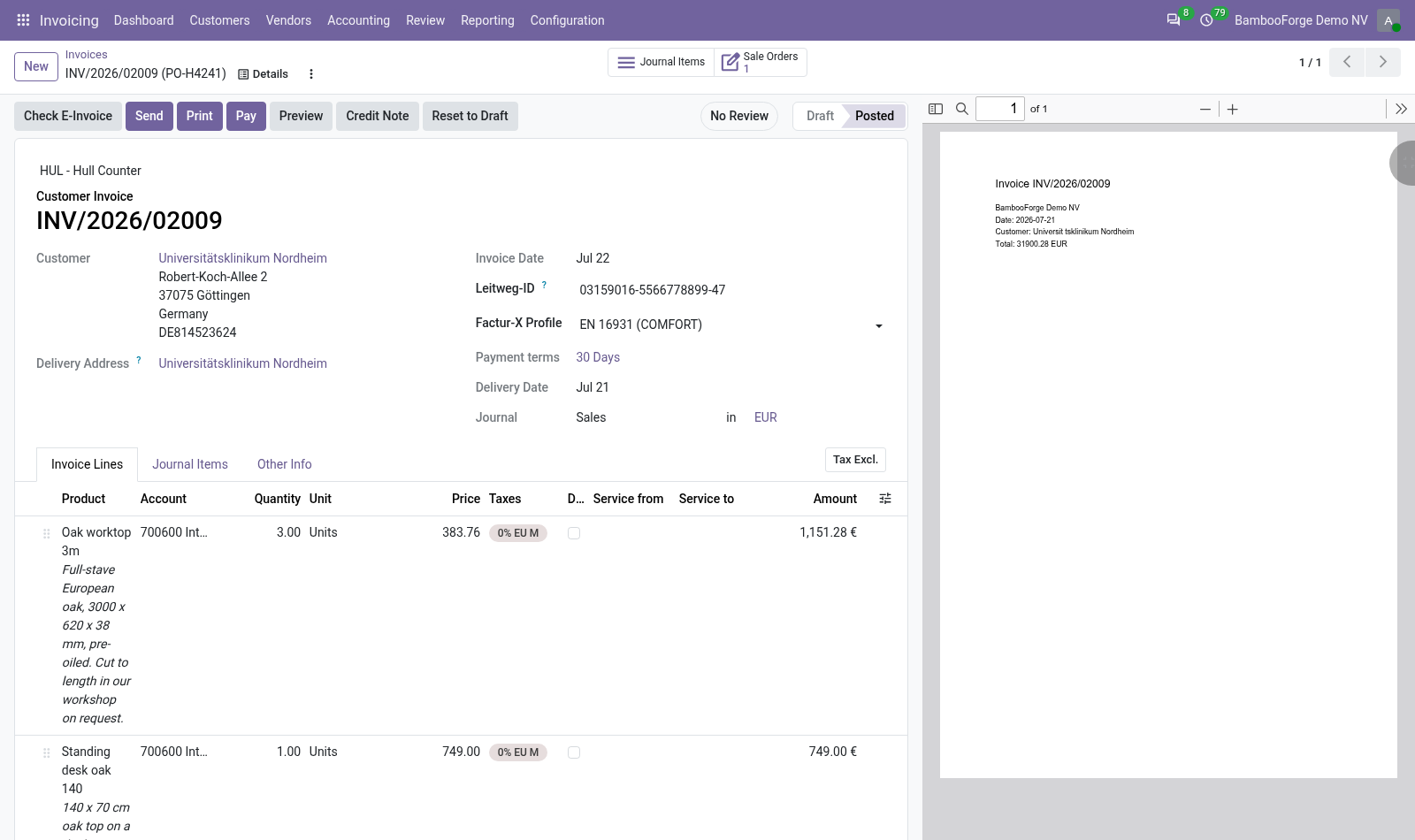
The Leitweg-ID of a German public body on customer and invoice, its shape checked, and five German public-sector checks before you send.
An add-on to E-Invoice Pre-Flight Checks for companies that invoice German public bodies. It keeps the Leitweg-ID on the customer and on the invoice, checks its shape, and adds six checks to Check E-Invoice. It checks invoices. It does not build or send the XRechnung file.
- The app is not in Apps
- Apps opens with the filter Apps, and this is an add-on. Remove the filter and search again.
- "... is not shaped like a Leitweg-ID. The expected form is a state or federal code, an optional middle part, and a two-digit check part, separated by hyphens"
- The value on the customer is not 2 to 12 digits, an optional middle part and 2 digits, with hyphens between them. Type it as the public body wrote it.
- BR-DE-15 on an invoice of a customer that has a Leitweg-ID
- The invoice was created before the identifier was entered on the customer, or the field was emptied on the invoice. Type it on the invoice.
Other questions we answer
Odoo access control: who can see whatAudit trail for OdooPrint from Odoo without an IoT boxShopify and Odoo in syncWooCommerce and Odoo in syncPrestaShop and Odoo in syncConnect Odoo to n8n, Make and ZapierPeppol e-invoicing in OdooDocument management in OdooKPI dashboards for OdooFinancial statements on Odoo CommunityGDPR and cookie consent for OdooApproval workflows in Odoo CommunityQuality management for ISO 9001 in OdooAI translation for an Odoo website and catalogueOdoo for a dental clinicOdoo for a hotelOdoo for a restaurantOdoo for a garage or used-car dealerOdoo for construction: BoQ and job costingSubscriptions and recurring invoicing on Odoo CommunityHelpdesk for Odoo CommunityField sales on a phone with Odoo